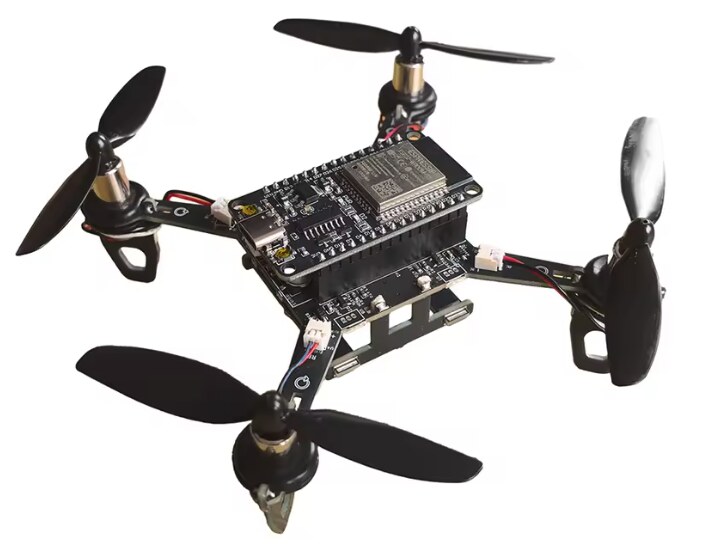
E1 Mini
Mini quadcopter kit sold as "ESP32 Drone", often with "E1" or "E1 Mini" in the name: ESP32 DevKit on the frame, MPU6500 on SPI, 8520 motors.
Install ESP-Drone with browser control (webcontrol) straight from this page: fly from your phone over the drone's Wi-Fi, with a staged failsafe, battery protection and trim, or from a computer with a gamepad.
Mini quadcopter kit sold as "ESP32 Drone", often with "E1" or "E1 Mini" in the name: ESP32 DevKit on the frame, MPU6500 on SPI, 8520 motors.
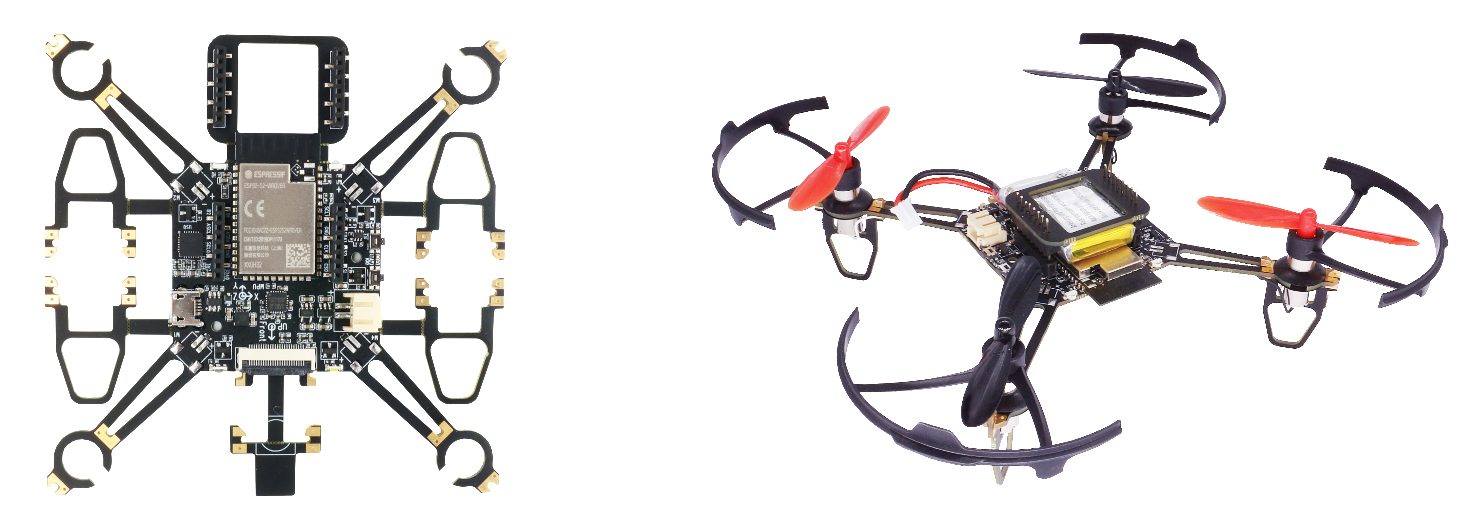
Espressif's own ESP-Drone board, with an ESP32-S2 or an ESP32-S3. The right image is picked from the chip.
dialout.ESP-DRONE_… with your phone
(password 12345678): the control page opens by itself.No port in the list? Try another cable (some only charge), or hold the BOOT button on the ESP32 while you plug it in.
Other ways to flash, including Espressif's own tools: docs/flashing.md · firmware files: releases
Fly with a gamepad (PlayStation, Xbox, Switch Pro and others) on a computer, with live plots of the flight controller, controller tuning, a motor test for the bench and a flight recorder. Download the ground station (one HTML file, works offline), join the drone's Wi-Fi with the computer and open the file in Chrome or Edge. Guide: docs/groundstation.md